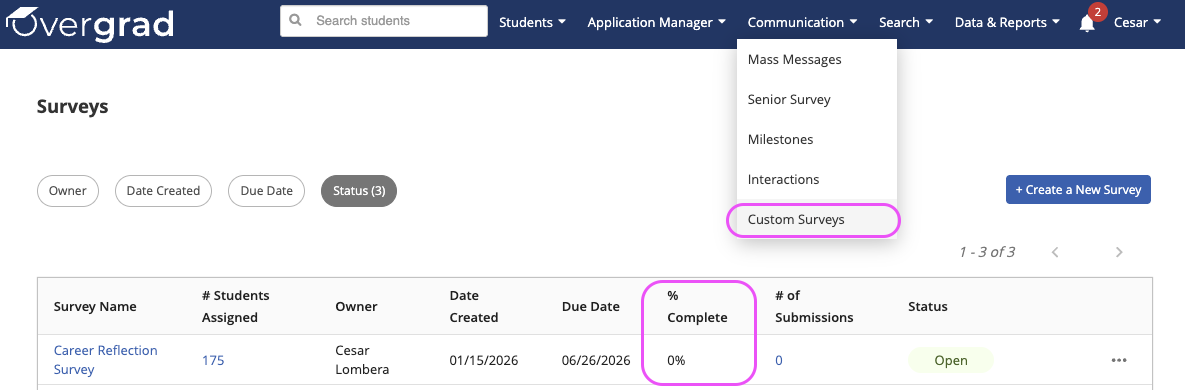
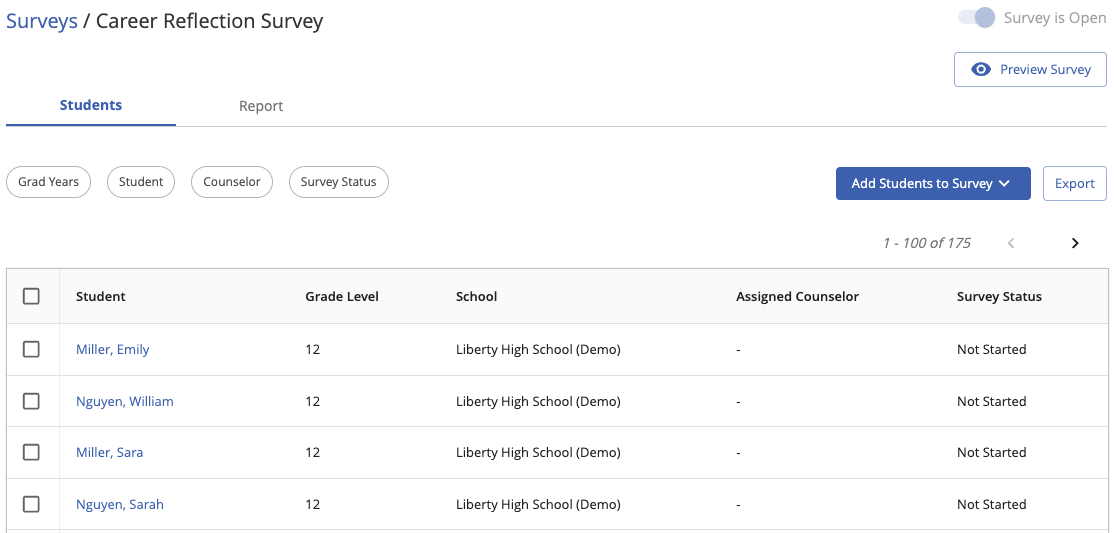
For overall student progress and to review results, educators can navigate to Communication -> Custom Surveys. The table will show overall completion and clicking into the survey name will allow the viewing of results and an exportable list of individual student progress.
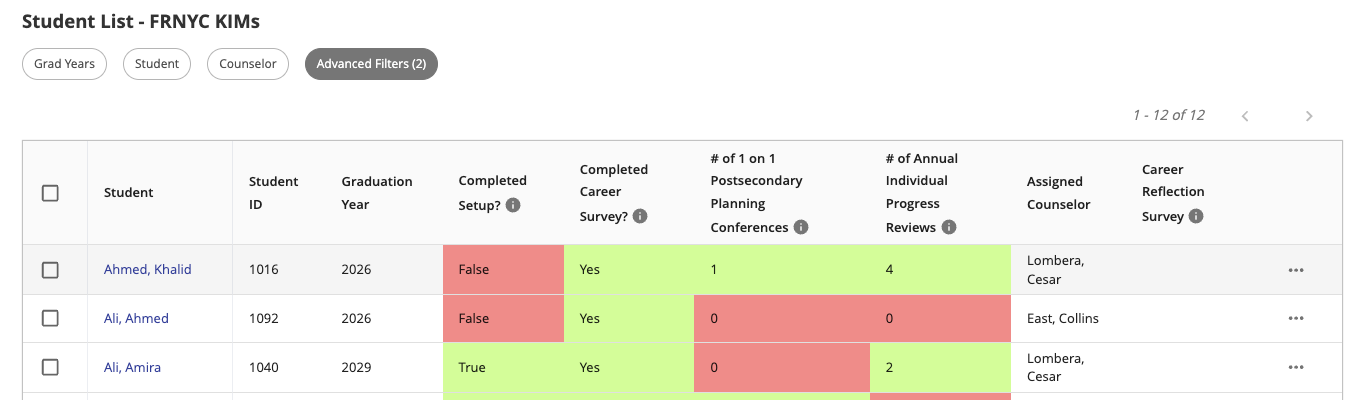
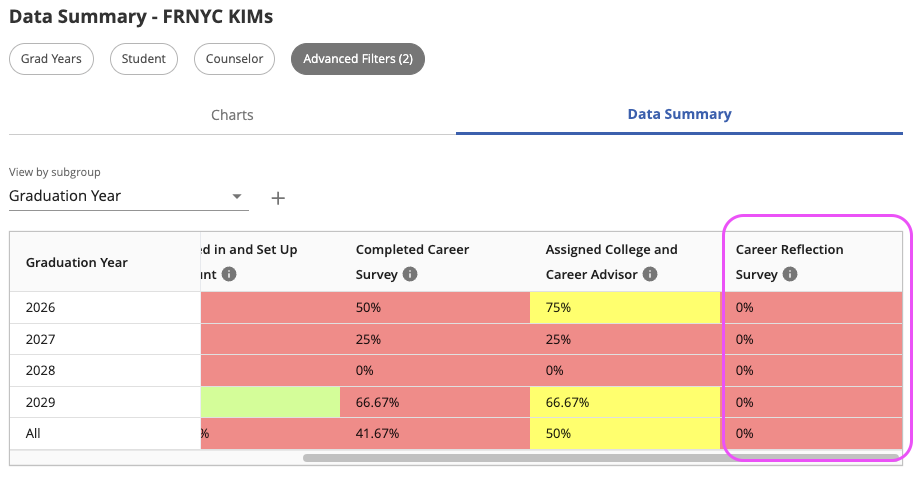
For FRNYC progress specifically, educators can refer to the existing FRNYC KIMs custom student list. A column has been added that will reflect the status of each student that is tagged as FRNYC and a new calculation has been added to the Data Summary in the dashboard.
Was this article helpful?
That’s Great!
Thank you for your feedback
Sorry! We couldn't be helpful
Thank you for your feedback
Feedback sent
We appreciate your effort and will try to fix the article