When you send (or resend) welcome emails, every student who hasn't activated their Overgrad account yet gets an email like the one below. It has a button they click to activate their account and set their password.
TABLE OF CONTENTS
What's in the email
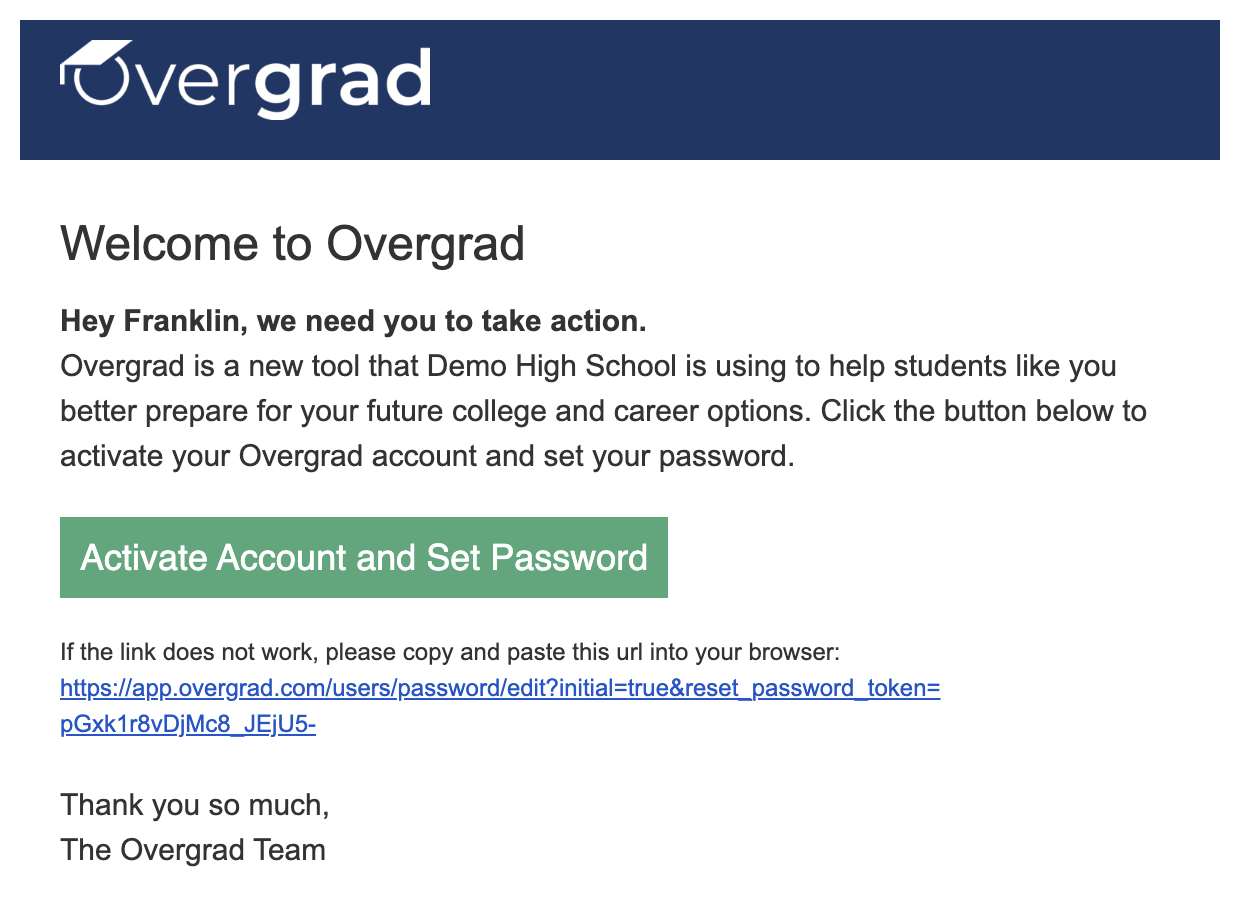
The activation link works for 180 days. If a student's link has expired, or they can't find the email, send it again (see below). Each new email has a fresh link.
Note: Students who created their own Overgrad account, instead of being added by their school, get a slightly different email with a Verify Account button.
Sending or resending welcome emails
You can send welcome emails to a whole graduating class or to one student at a time. For step-by-step instructions, read How to (re)send student "Welcome Emails".
Troubleshooting
- If the email isn't in their inbox, they should check their spam or junk folder.
- Adding hello@overgrad.com to their contacts can help future Overgrad emails arrive.
- Once they've activated their account, they won't get another welcome email. If they forget their password, they should reset it from the login page.
Was this article helpful?
That’s Great!
Thank you for your feedback
Sorry! We couldn't be helpful
Thank you for your feedback
Feedback sent
We appreciate your effort and will try to fix the article