TABLE OF CONTENTS
Career Goals
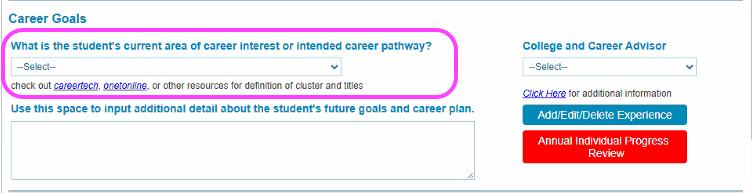
Career Goals can be logged in Overgrad by either the educator or student. The corresponding field looks like this in STARS.
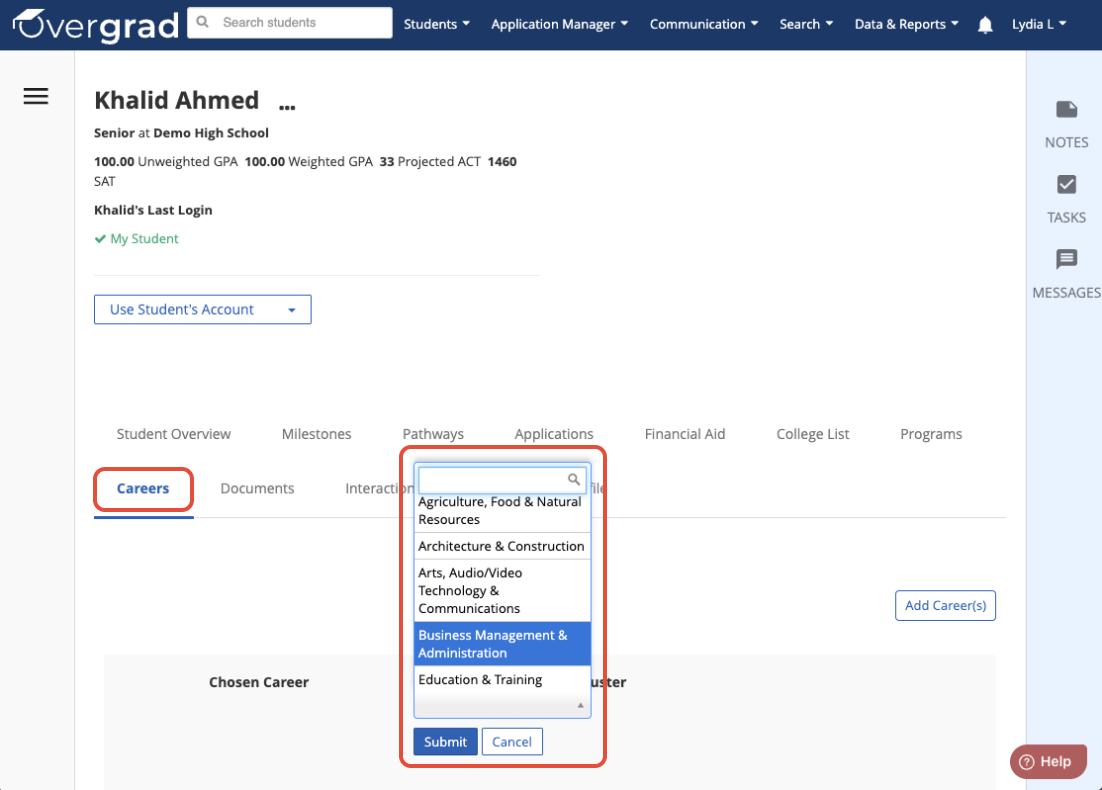
For Educators, this field can be logged from the Careers tab of an individual student’s page. It includes the same career cluster options as the STARS College and Career Planning Tracker.
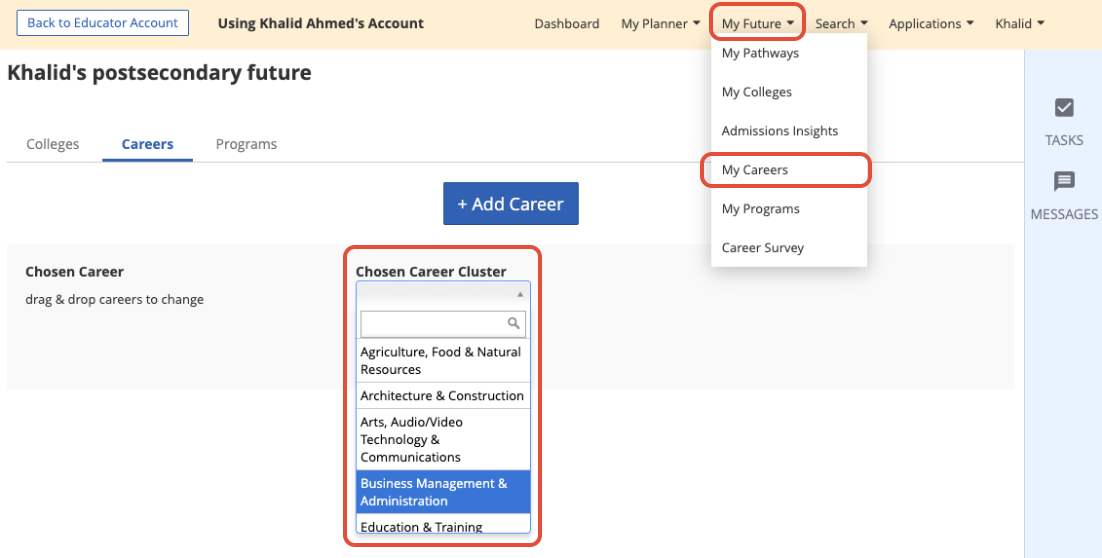
Students can also self report this field by going to My Future -> My Careers and selecting their Chosen Career Cluster.
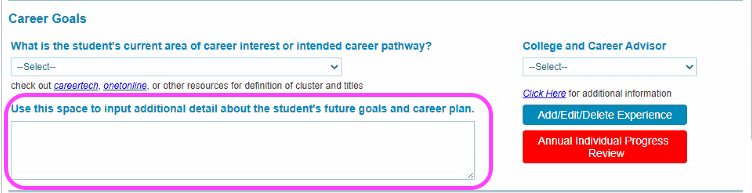
Career Goals- Career Plan Note
This field should be updated on an annual basis and refers to the following section of the STARS College and Career Planning Tracker:
This field can be found on the Profile section of a student's page, in the section titled Career Goals (STARS Field). Remember to hit the checkmark to save any notes you input.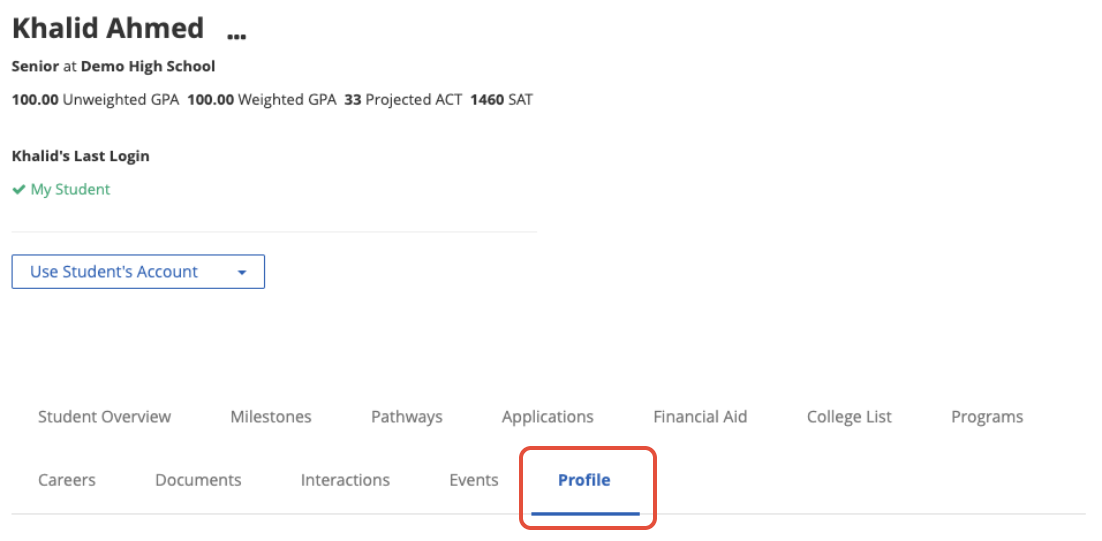
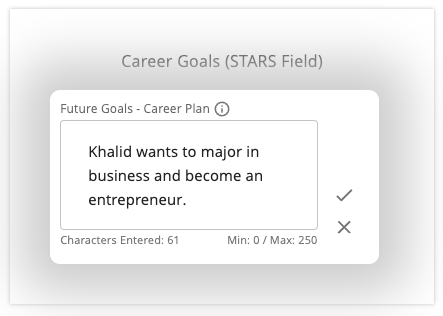
College and Career Advisor
This field will be uploaded to the STARS College and Career Planning tracker based on the “Assigned Counselor” field in Overgrad.
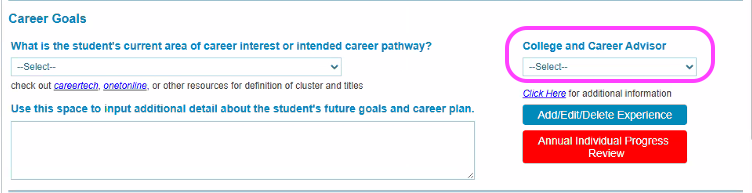
The field can be updated individually from the Profile tab of a student’s page or in bulk via the bulk importer.
Confirmed Postsecondary Plan
In the STARS College and Career Planning Tracker this looks like:
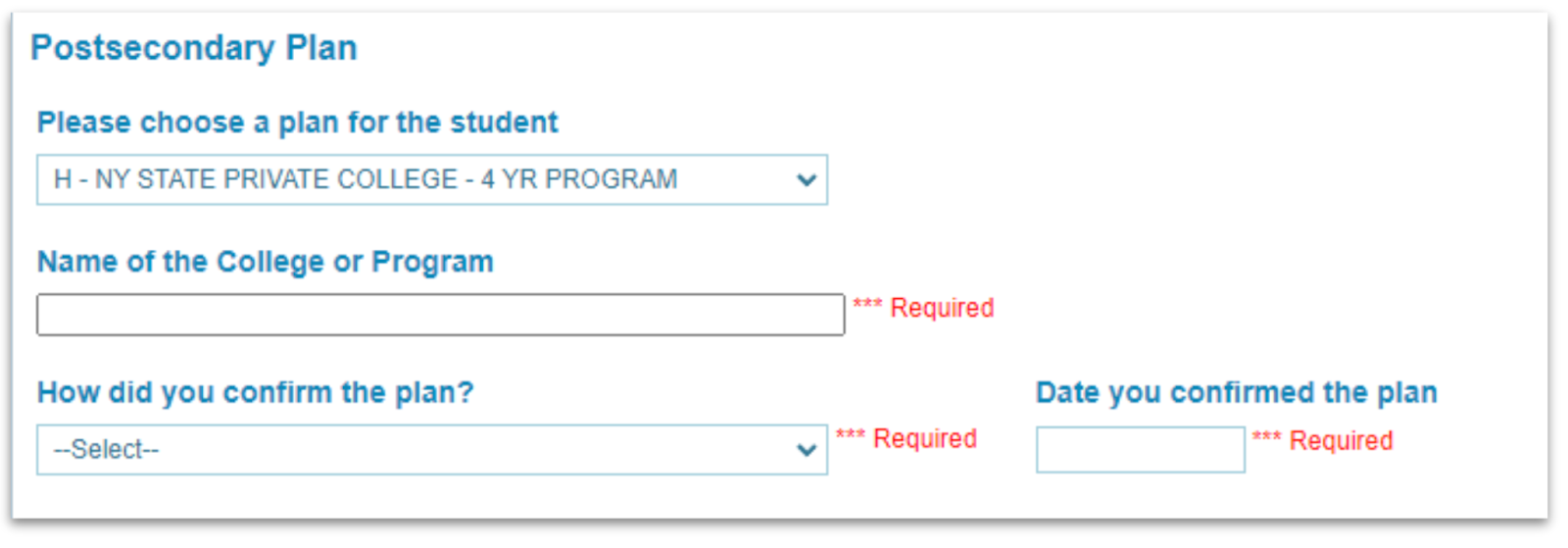
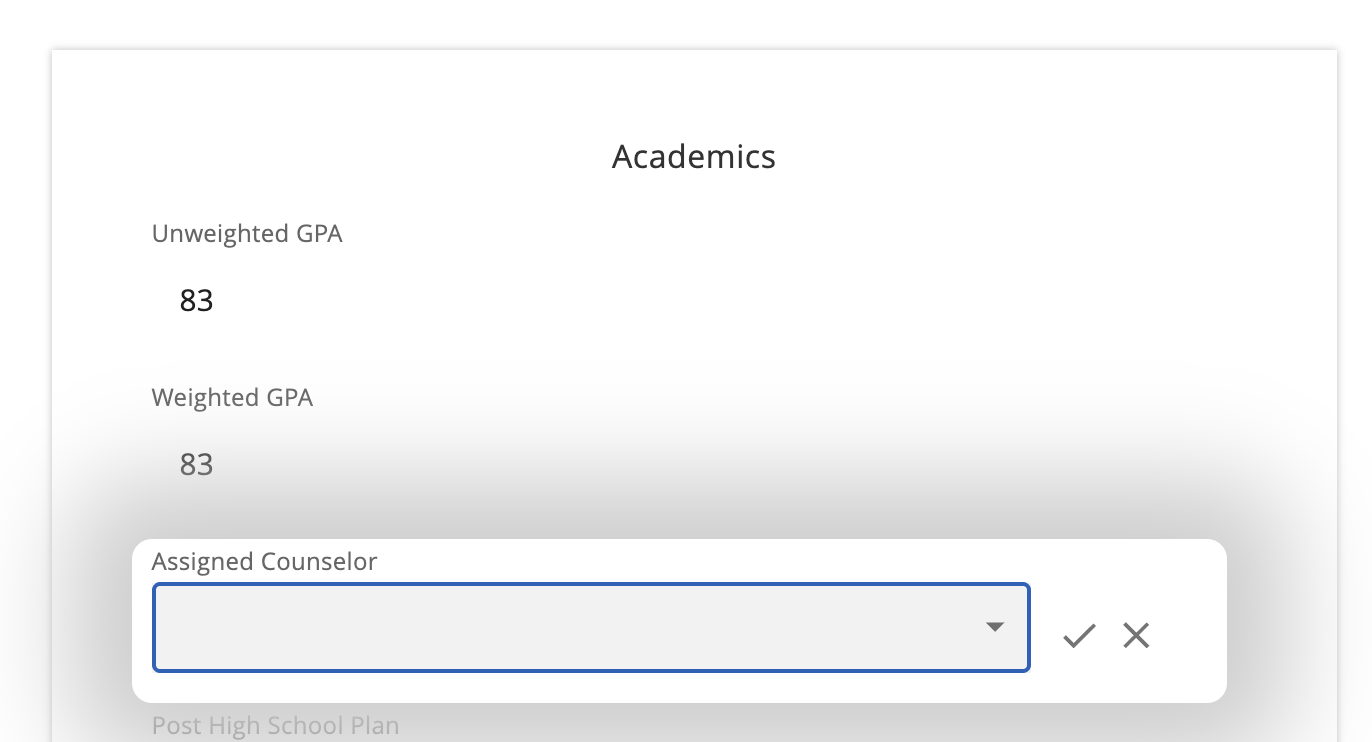
All fields will appear in the section titled Confirmed Postsecondary Plan within the Profile tab of a student’s page. Update the fields as necessary by clicking on the pencil icon to edit and clicking the checkmark to save your change.
Note: These fields are view-only for students, and can only be edited by educators.
All Postsecondary plan fields must be completed before they will be successfully uploaded to STARS. Incomplete entries (missing a verification date or program name, etc.) will not be uploaded to STARS.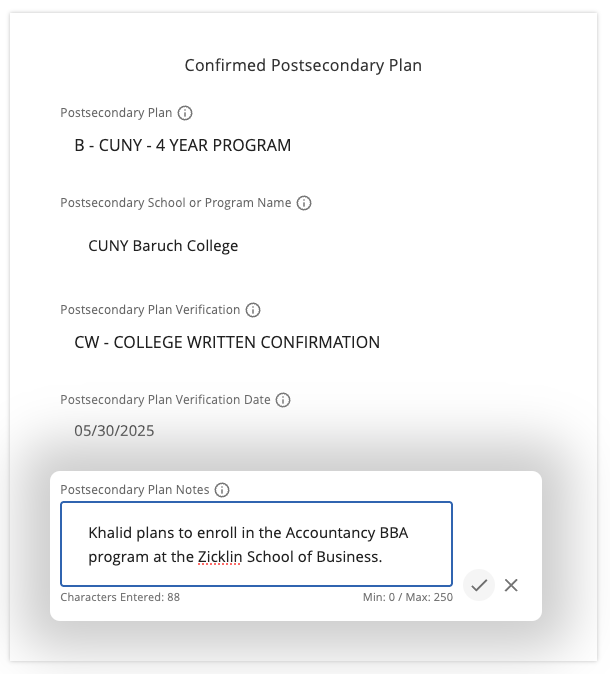
Was this article helpful?
That’s Great!
Thank you for your feedback
Sorry! We couldn't be helpful
Thank you for your feedback
Feedback sent
We appreciate your effort and will try to fix the article