As an educator on Overgrad, you have access to a Student Demo account which will allow you to replicate the student experience on the program.
To access the student demo, go to your profile menu in the upper right hand corner and click Support. From there you will see a link to the Student Demo site.
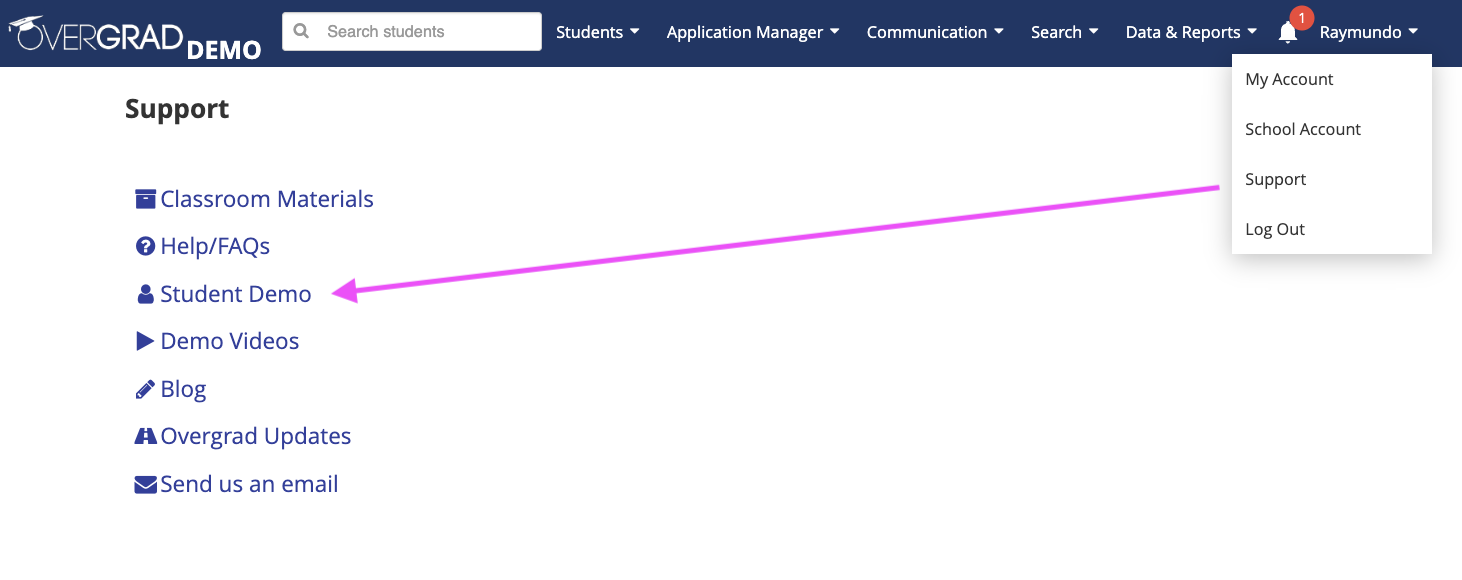
Then use the credentials provided on the following screen to log-in to the demo.
Note: This is a public facing demo, the data that you create or save on the demo may be reset or changed after you utilize it.
Was this article helpful?
That’s Great!
Thank you for your feedback
Sorry! We couldn't be helpful
Thank you for your feedback
Feedback sent
We appreciate your effort and will try to fix the article